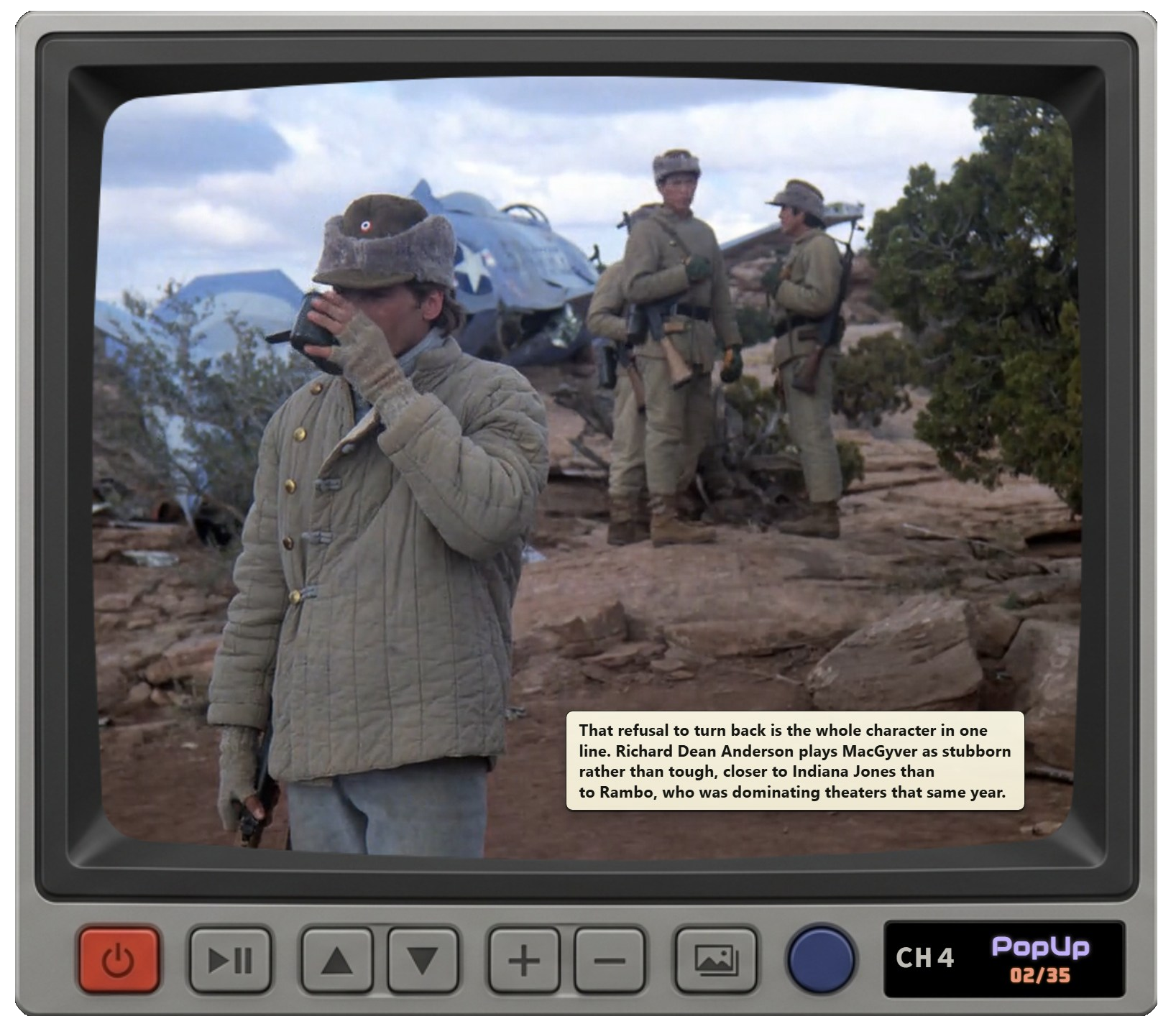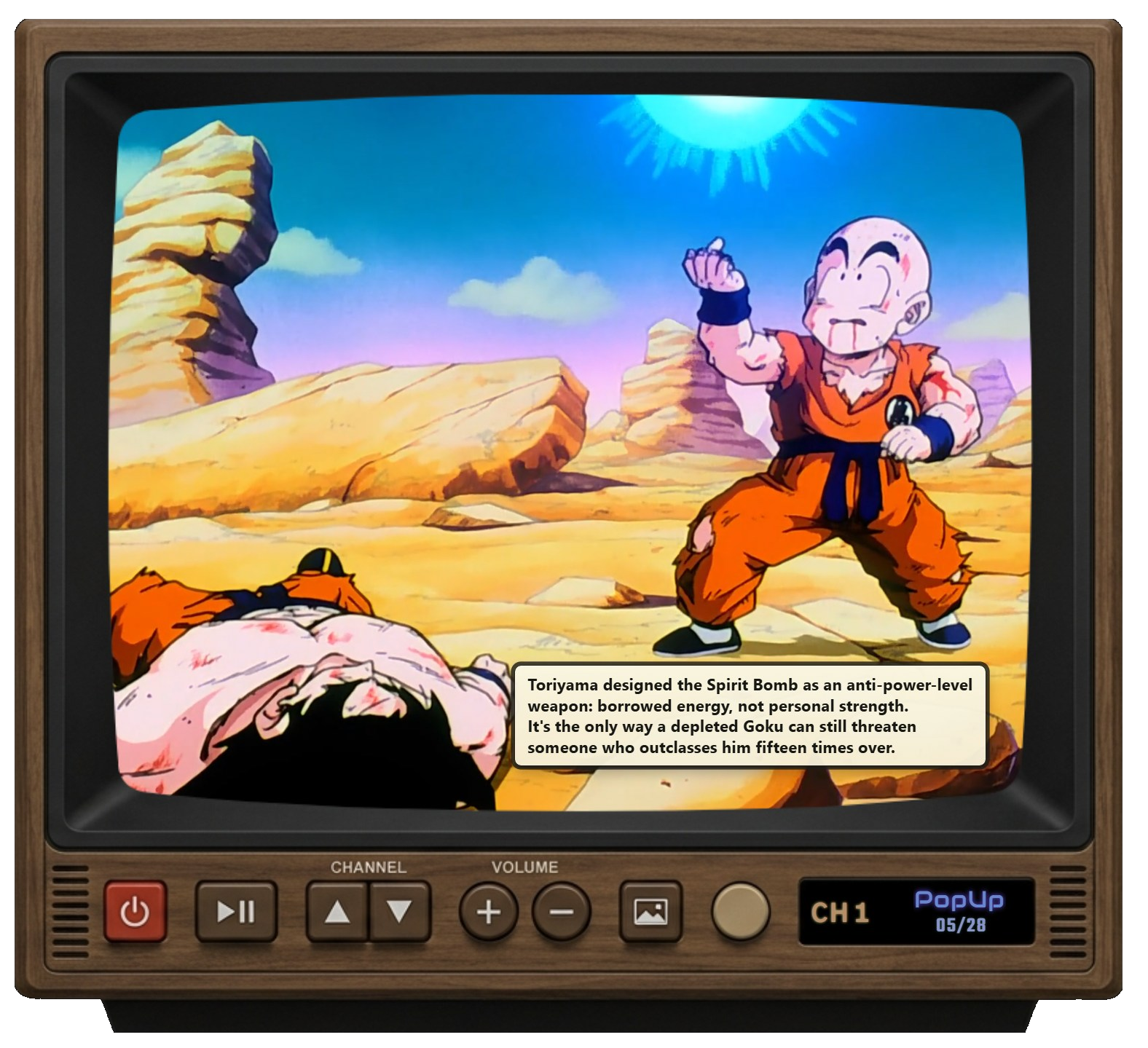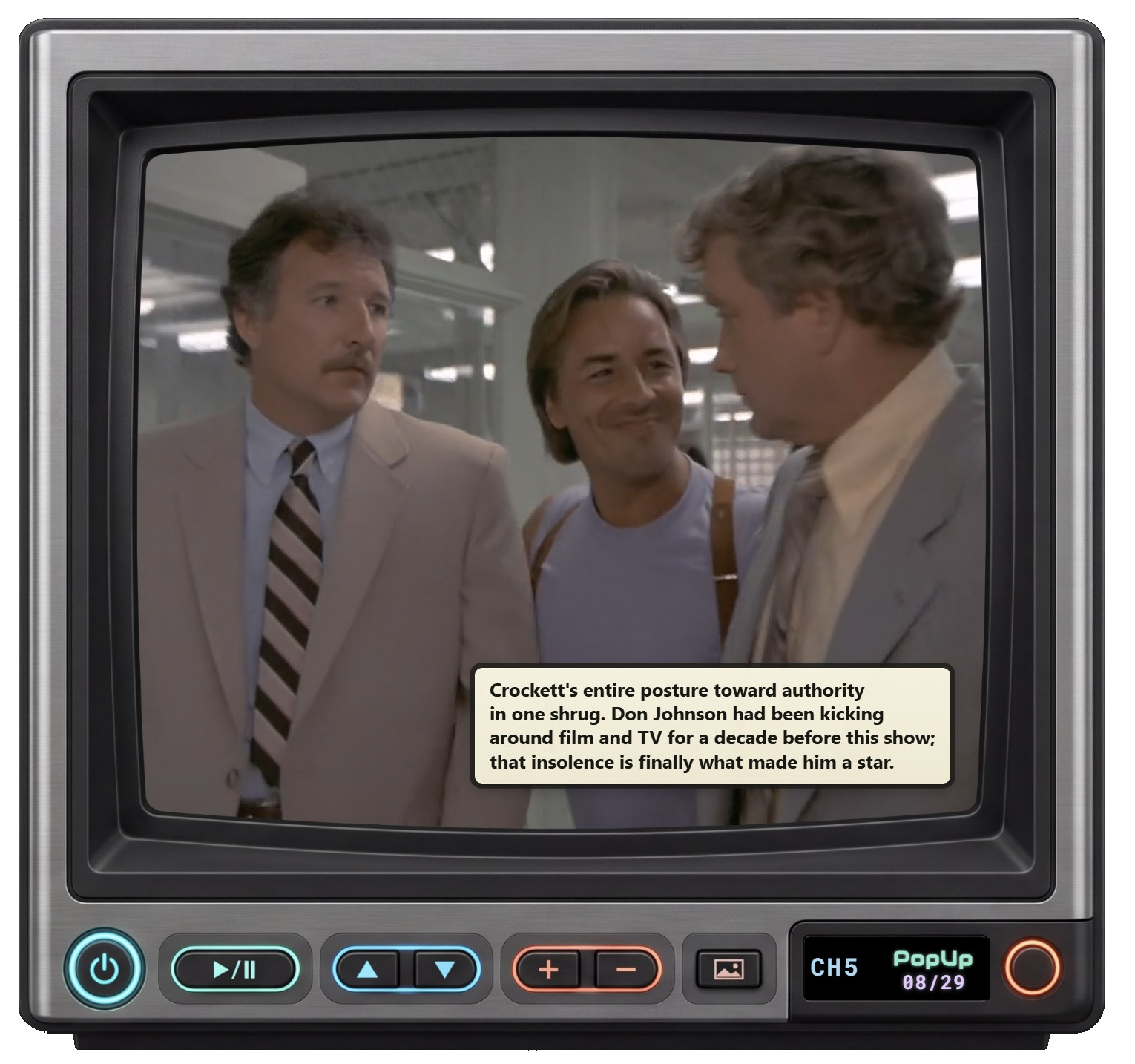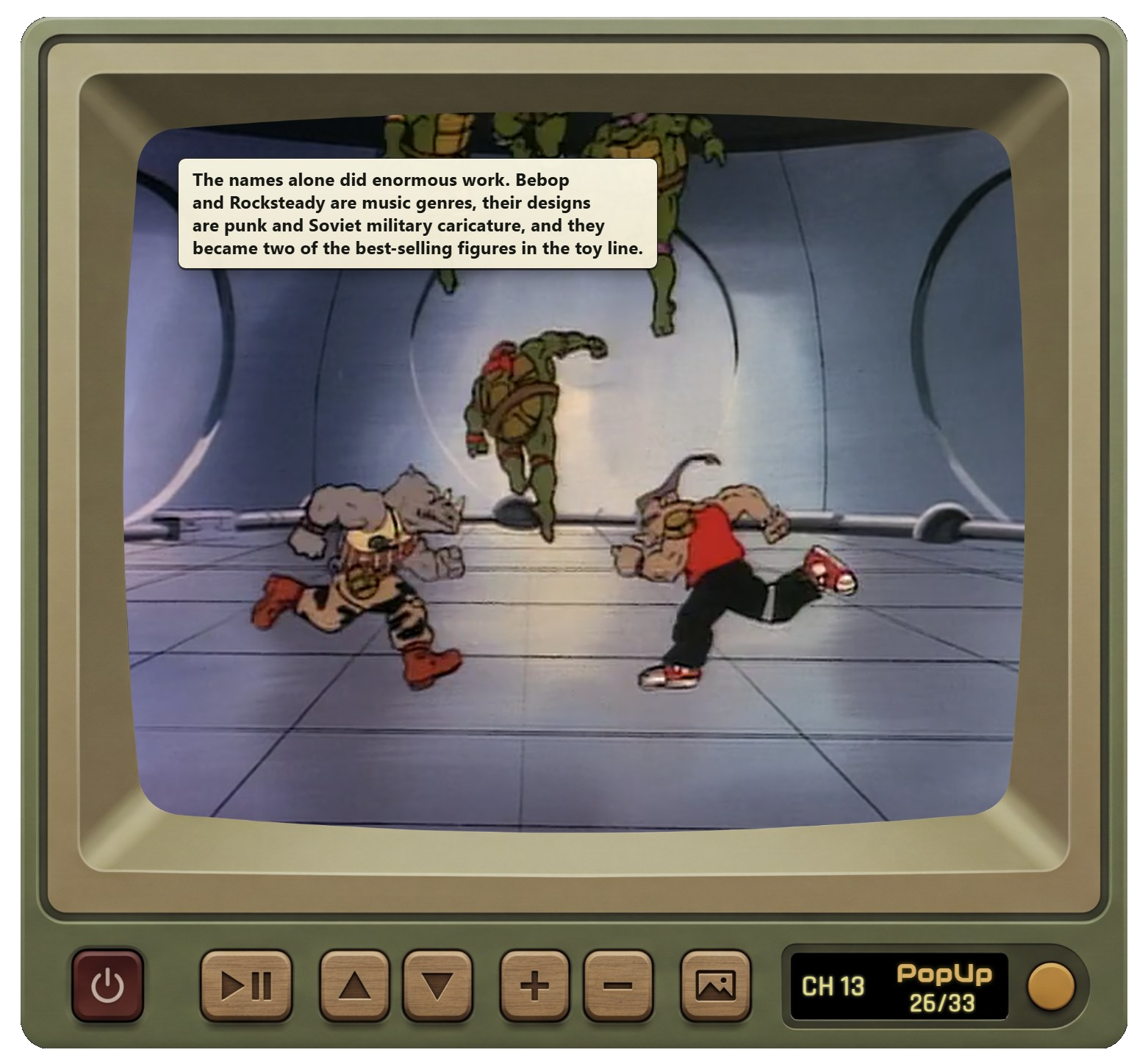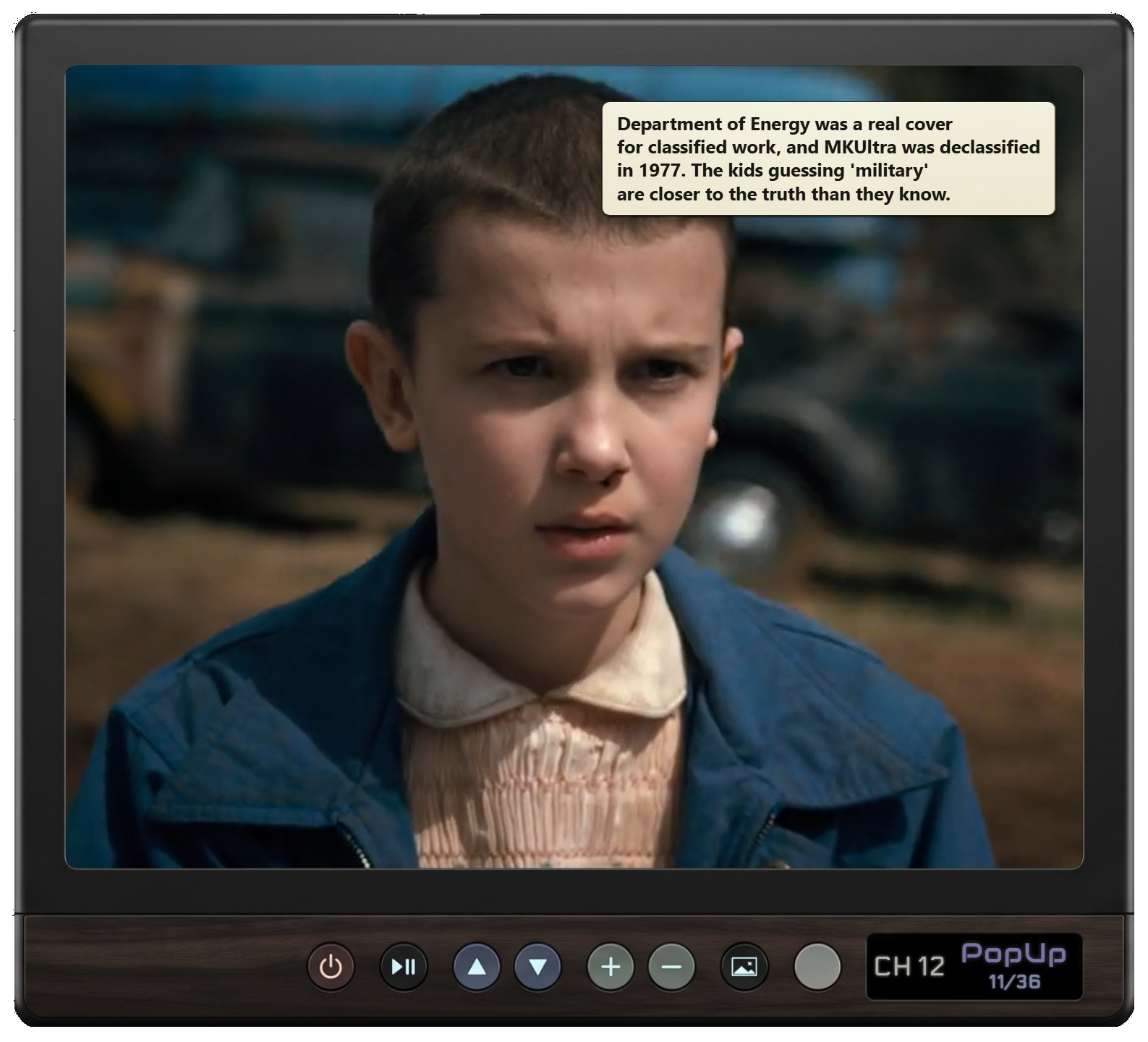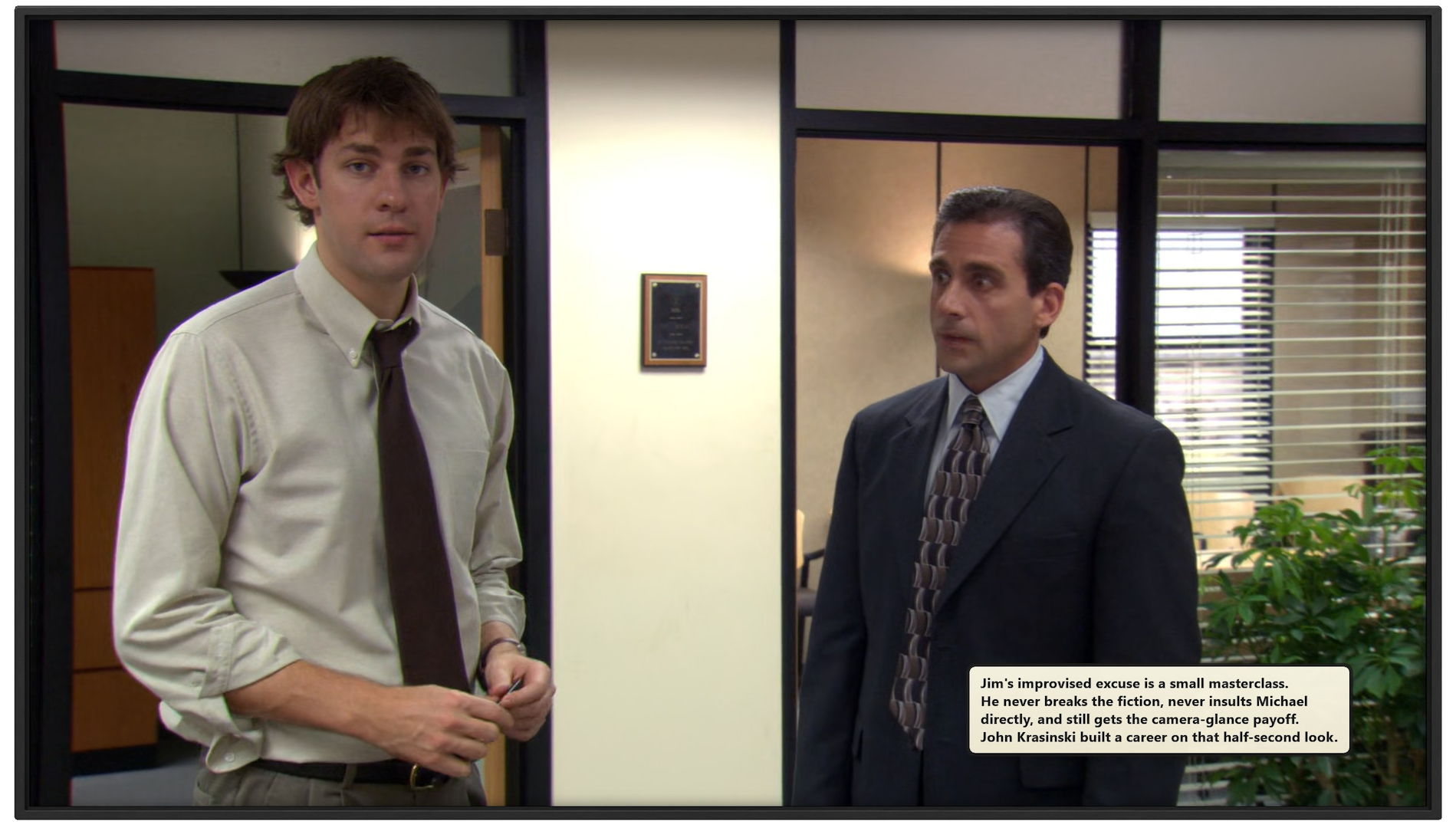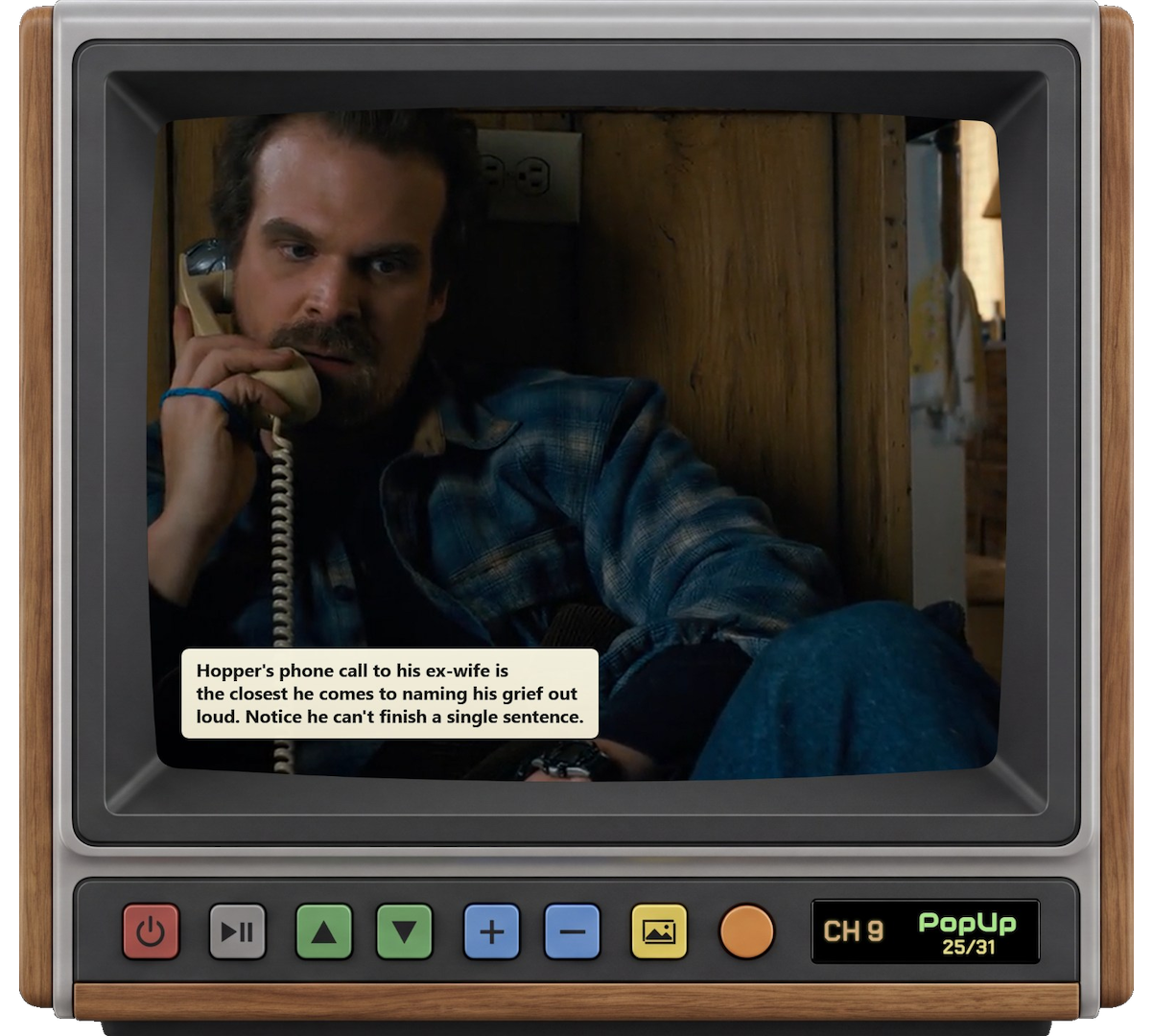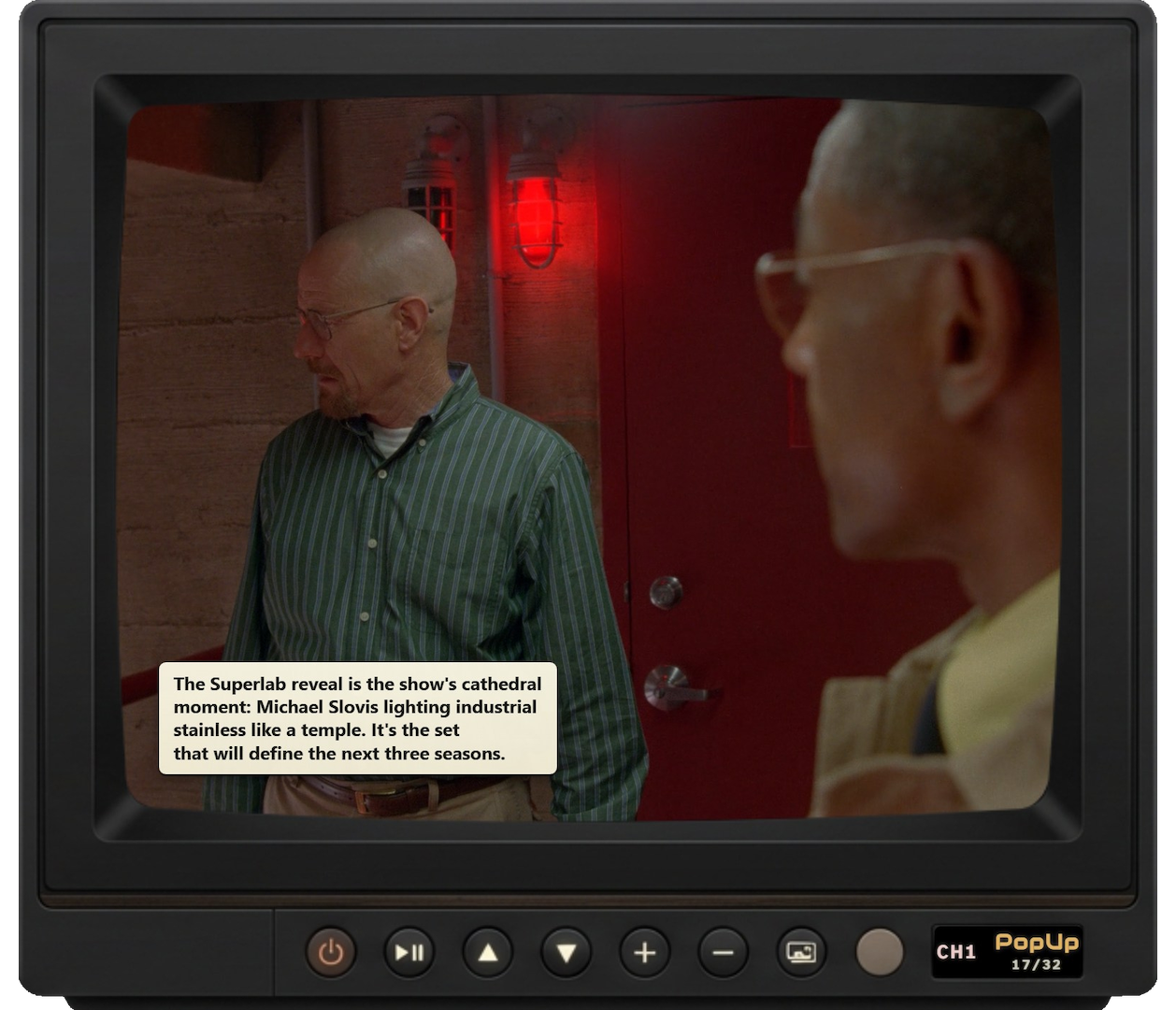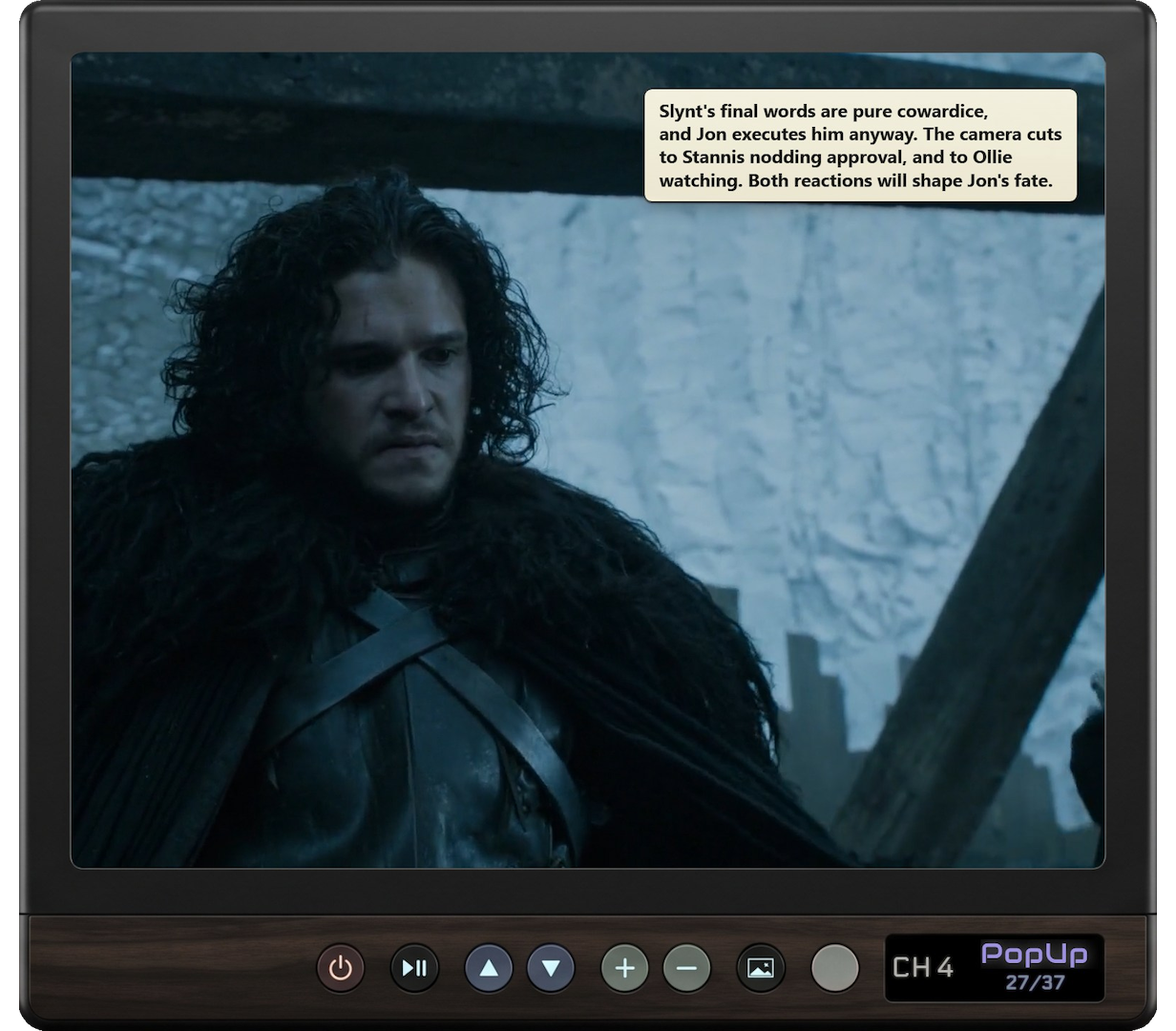
A Windows television experience for your own video library.

Your collection,back on the air.

Turn your own episodes into channels, then rewatch them with precisely timed PopUps, vintage commercials, custom television skins, and a TV that remembers where you left off.

  • Two preview channels
  • Channel positions remembered
  • Working power and volume
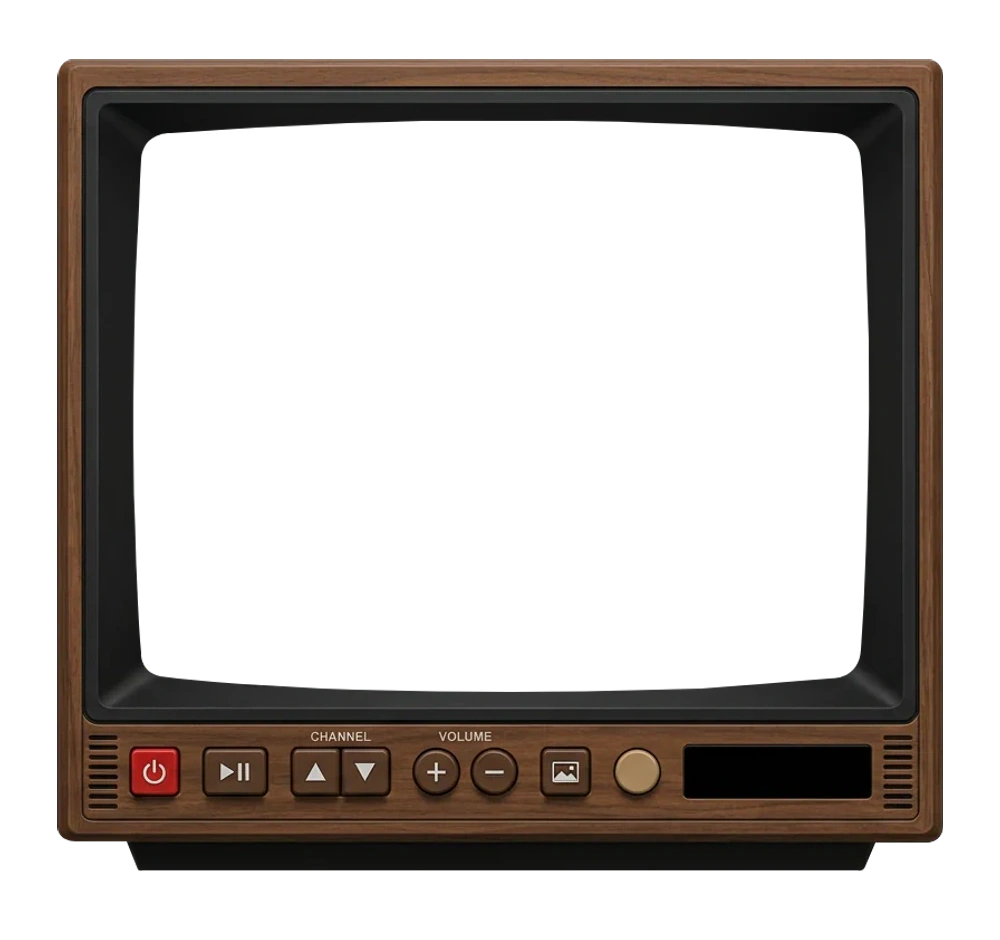
Walnut PopUp Tube cabinet with physical channel and volume controlsCH 01VOL 70
Interactive product previewPreview channel one

Channel positions are remembered as you tune. Keyboard: ↑/↓ channel, ←/→ volume, space play, M mute, P power.

Try the cabinet controls—the preview behaves like a tiny version of the app.See what makes it television

CH 02 · The experience

Tune in.
Don’t browse.

A folder tells you what files you own. PopUp Tube gives those shows a place on the dial—and turns choosing what to watch into channel surfing again.

The real olive PopUp Tube television cabinet shown front-on
01 / CHANNELS

Every show gets its own place on the dial.

Move between shows with channel controls instead of dropping back into a file browser. The library feels less like storage and more like a television lineup you made yourself.

CH04NOW TUNING
03Per-show continuity

A television with a memory.

Each channel keeps its own place. Tune away, come back later, and that show continues from where its channel stopped.

04Your television

Make the set feel like yours.

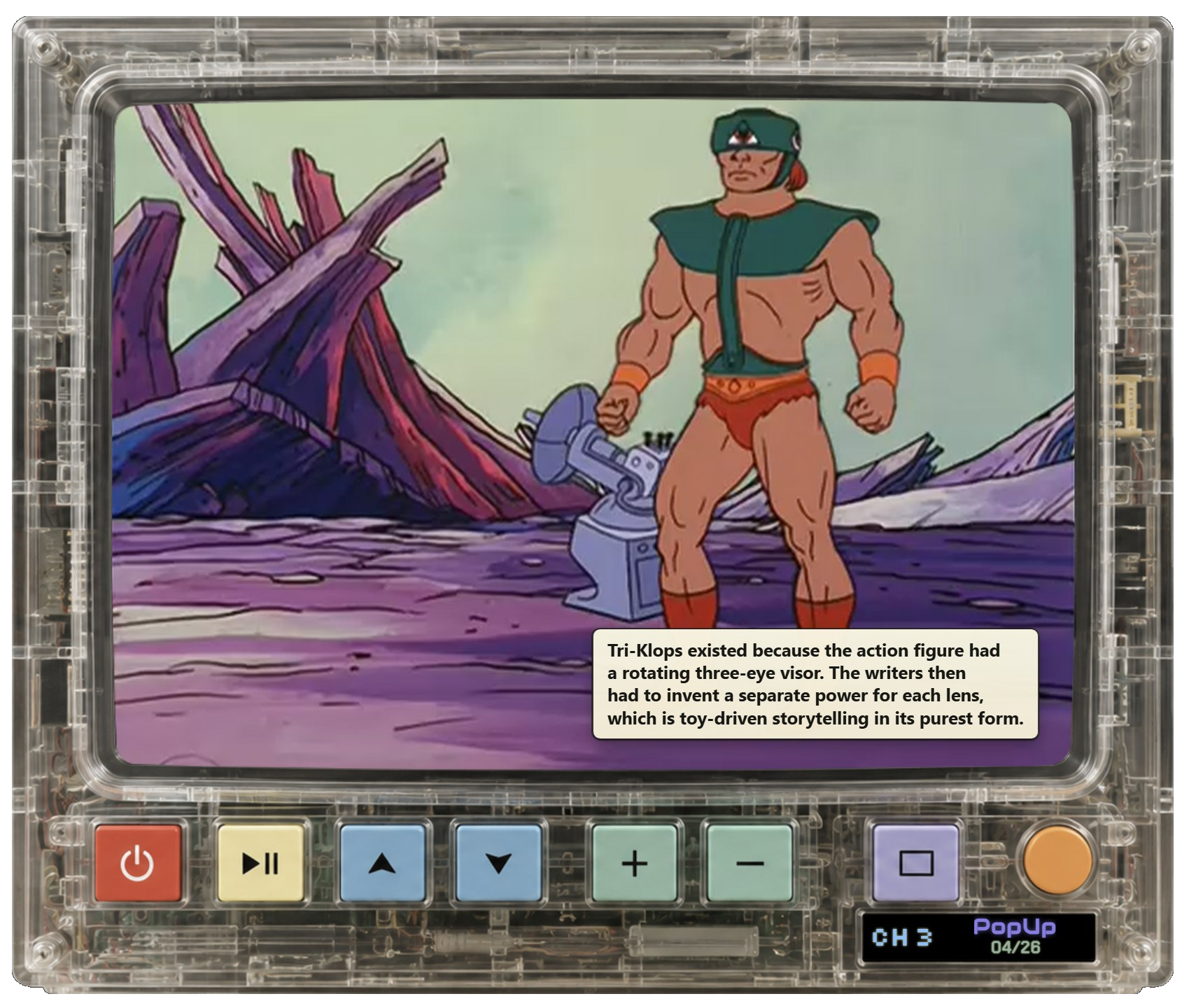
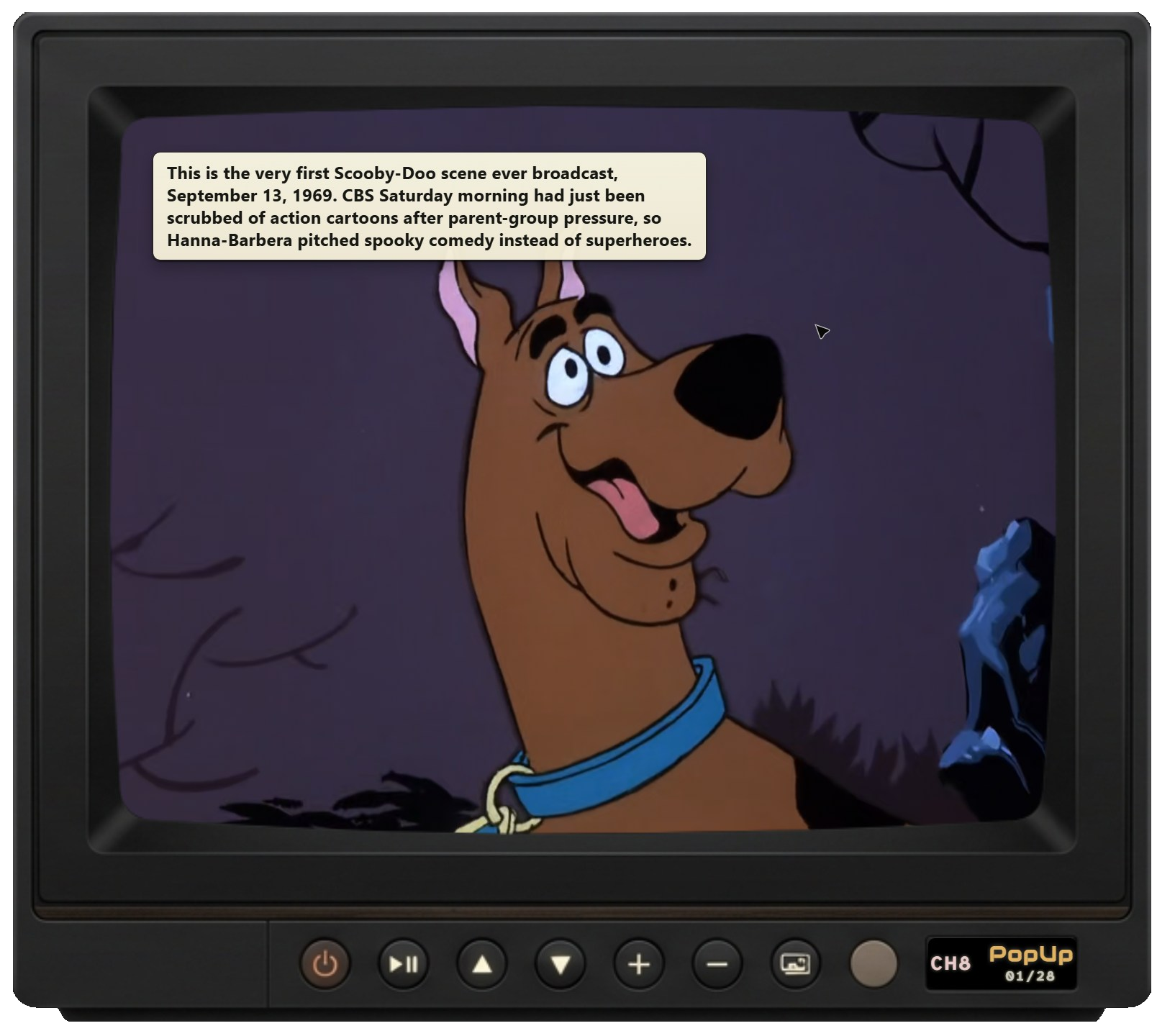
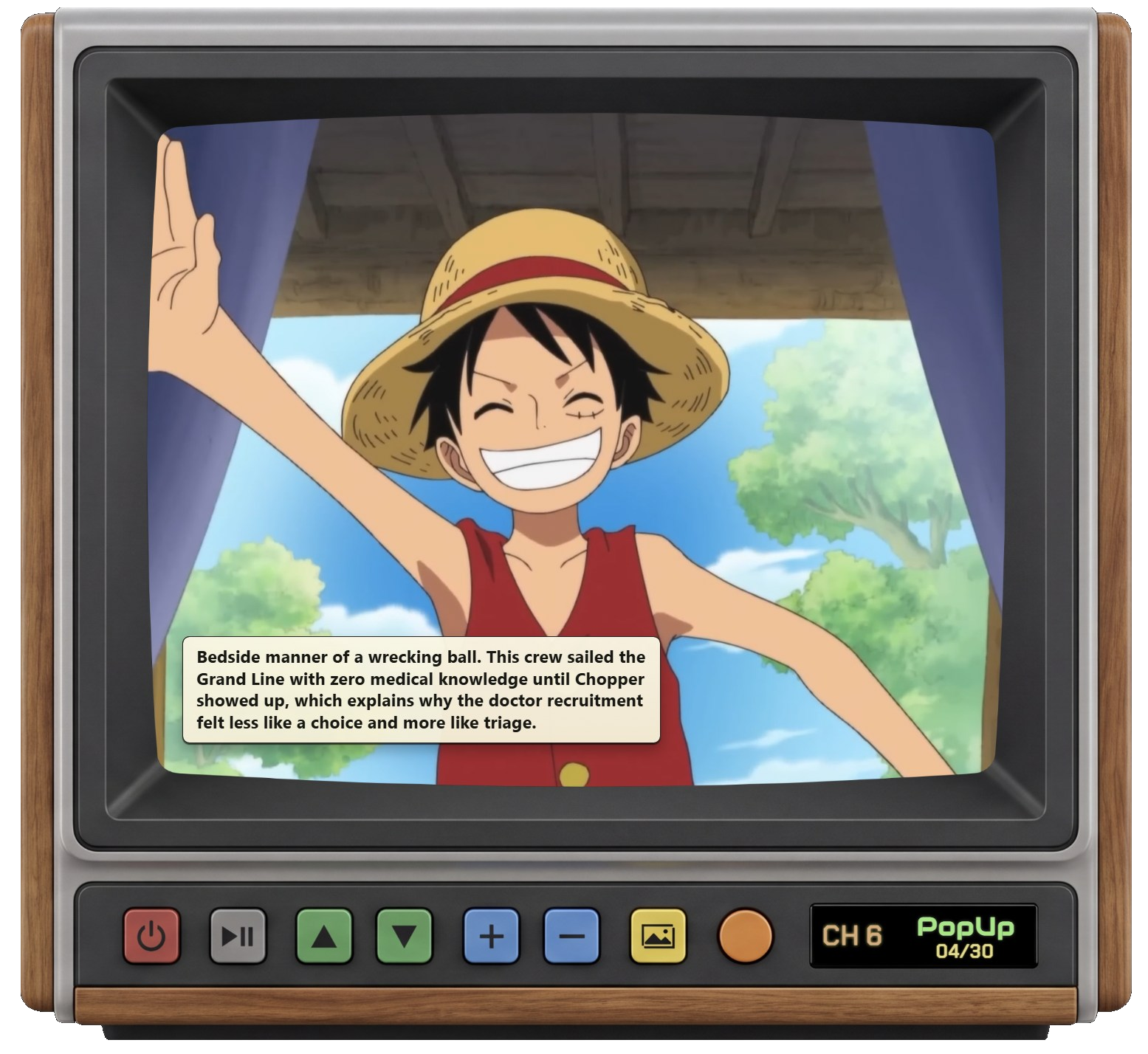
Choose an authored cabinet, dial in CRT-style presentation, use physical-TV-inspired controls, and optionally mix in vintage commercials.

05Playback first

Press play now. Add PopUps when you want.

Normal viewing never waits on generation. PopUps are optional, explicitly authorized, and separate from the basic act of watching your shows.

CH 03 · Cabinet gallery

Pick your
television.

Eight real cabinets from PopUp Tube, each presented exactly as designed. Switch sets with the controls below—or use the arrow keys when a skin selector has focus.

CH 04 · A different way to watch

From player window to living television.

The familiar routineWith PopUp Tube
01 Browse files and folders Surf shows as channels
02 Reopen one file at a time Keep a place on every channel
03 Watch inside a generic player Choose an authored TV presentation
04 Play the same way every time Add optional, episode-specific PopUps

CH 05 · How it works

From library
to lineup.

The experience begins with media already on your Windows PC. PopUps can be added later; they are never a gate in front of playback.

  1. 01
    Add local shows.

    Point PopUp Tube at television and video you are authorized to use.

  2. 02
    Turn them into channels.

    Your shows become a lineup you can tune through, not another folder tree.

  3. 03
    Optionally generate PopUps.

    Reusable local transcripts make episode-specific, precisely timed commentary possible.

  4. 04
    Tune in, surf, and resume.

    Leave any channel and return later to the position that show remembered.

CH 06 · Local media & privacy

Clear about what stays local—and what you authorize.

Your video and audio remain on your computer. Playback and reusable Whisper transcripts are local. AI-provider generation is a separate, optional step you initiate.

On your computer

Your library

  • Video and audio playback
  • Reusable Whisper transcripts
  • Channel positions and settings
Selected AI provider

Authorized generation

Transcript words plus the timing and episode context needed for PopUp creation are sent using your supported provider API key.

The simple version: watching is local. When you explicitly request generation, the required transcript text and timing/context go to the provider you selected and are governed by that provider’s terms. Provider usage is billed separately; PopUp Tube does not bundle an AI subscription.

NOW SHOWING · Interactive preview

Your shows.
Your channels.
Your television.

PopUp Tube is a Windows desktop experience for local media. Tune the interactive set above to feel the core idea in motion.

Windows Try the live previewTwo sample channels with working playback, tuning, volume, mute, and power.

CH 07 · FAQ

Before you tune in.

01What is PopUp Tube?

PopUp Tube is a Windows desktop application that turns a local television and video collection into channels. It adds television-style presentation, per-show continuity, and optional episode-specific PopUps.

02Does it include television shows?

No. PopUp Tube does not include episodes or other video content. It works with local media that you own or are otherwise authorized to use.

03Is it a streaming service?

No. It is a television-style way to watch your own local library, not a catalog or streaming subscription.

04Can I watch without generating PopUps?

Yes. Normal playback does not require PopUps to be generated or enabled. Playback comes first.

05Do I need a ChatGPT or Claude subscription?

No bundled AI subscription is required. If you choose to generate PopUps, you explicitly authorize it and provide your own supported AI-provider API key. Any provider usage is billed separately by that provider.

06What information is sent to an AI provider?

Your video and audio remain local. When you authorize PopUp generation, transcript words plus the timing and episode context needed to create the PopUps are sent to the provider you select and are governed by that provider’s terms.

07Is PopUp Tube available for Windows?

Yes. PopUp Tube is a Windows desktop application.